
Redeem your All In 1 Bundle
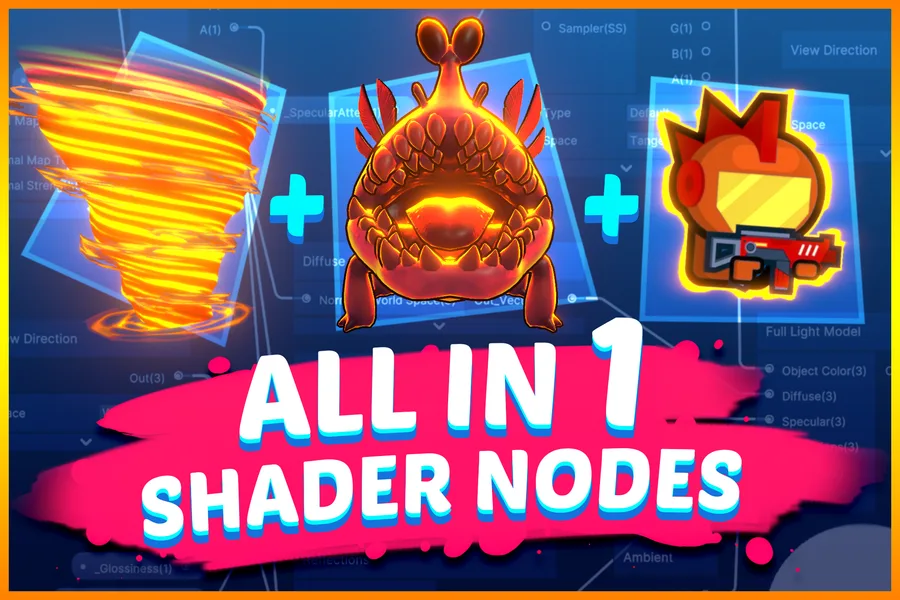
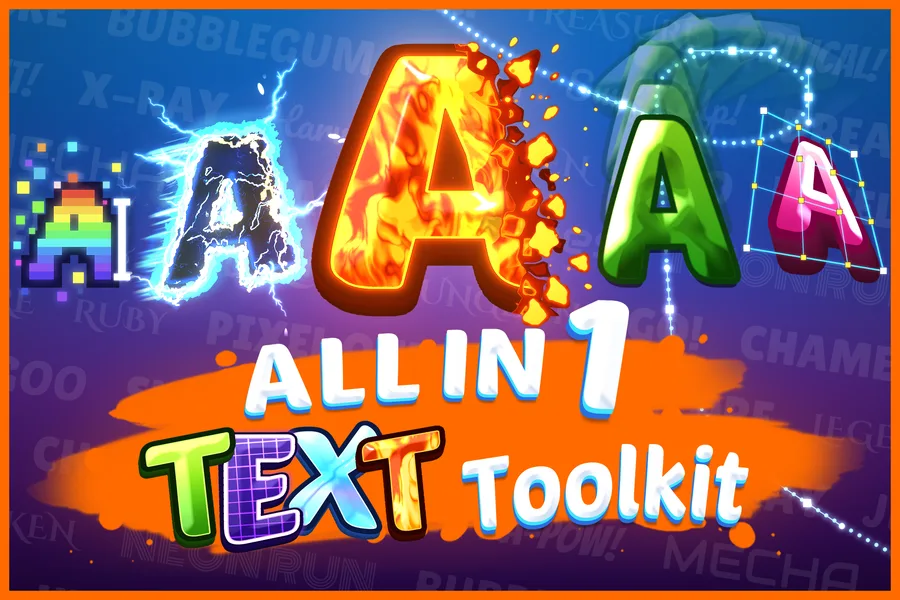
Thank you for buying the All In 1 Bundle! Each asset is claimed on its own Asset Store page, at no extra cost. This page always lists everything included.
- Sign in to the Asset Store with the account that bought the bundle.
- Open an asset below and add it to your cart. It will show as free.
- Complete the checkout, and the asset is added to your library.
- Download and import it in Unity as normal.
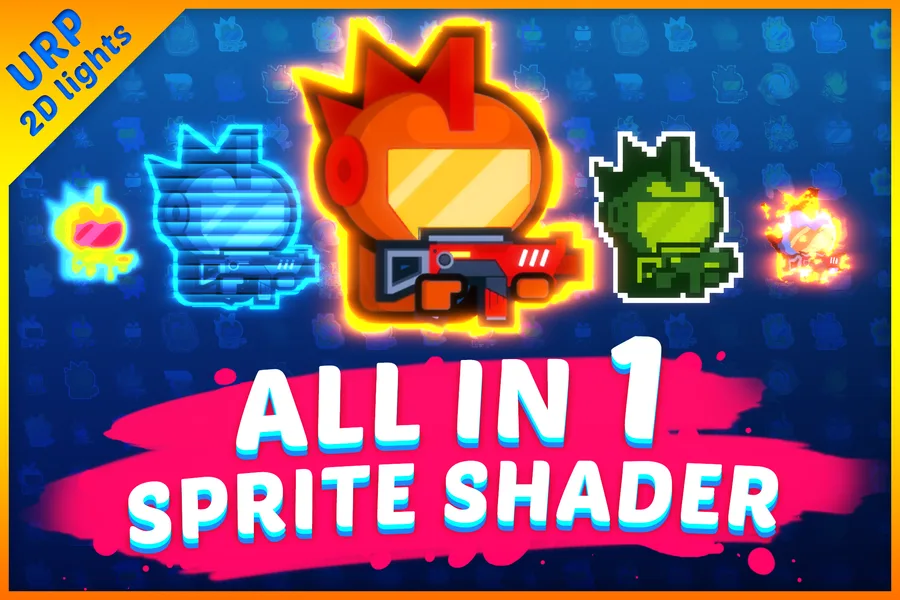
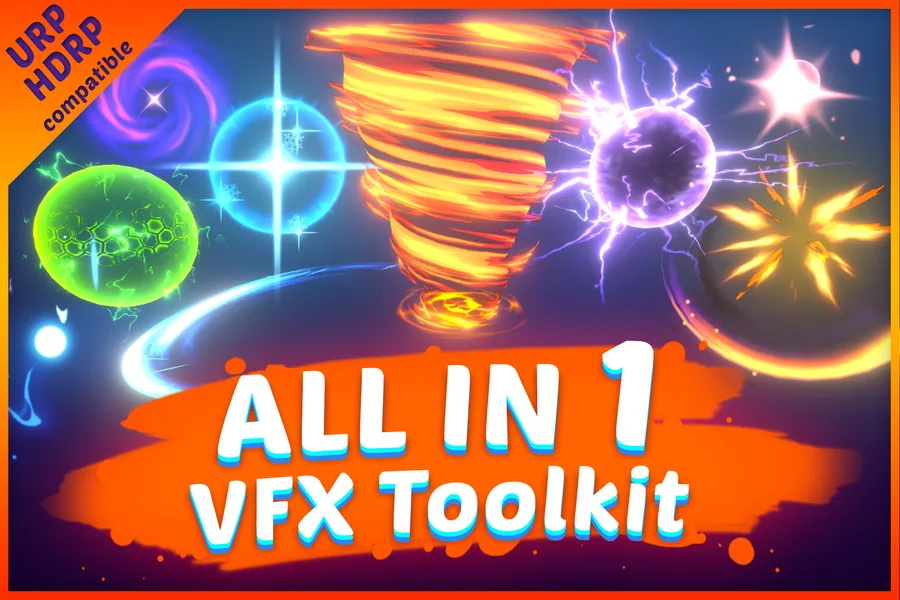
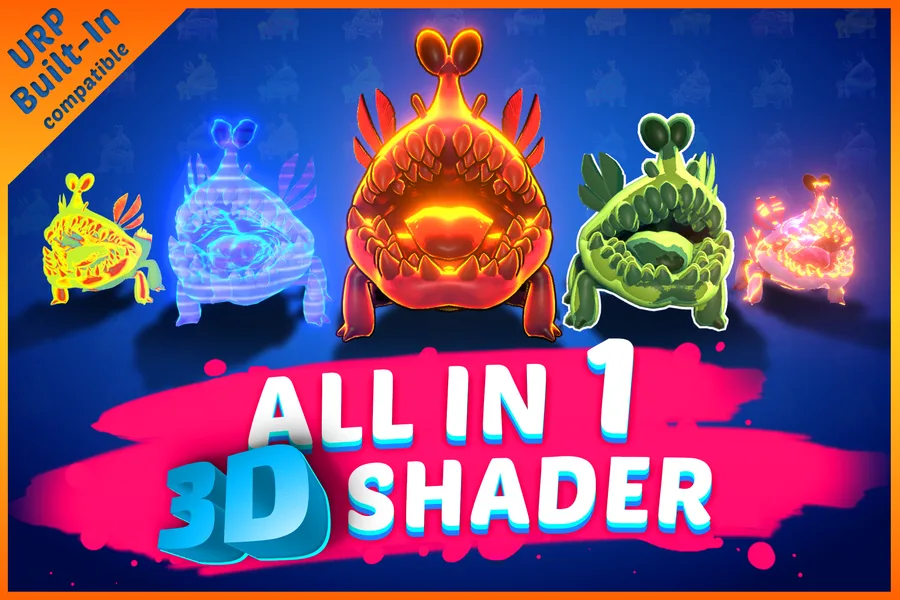
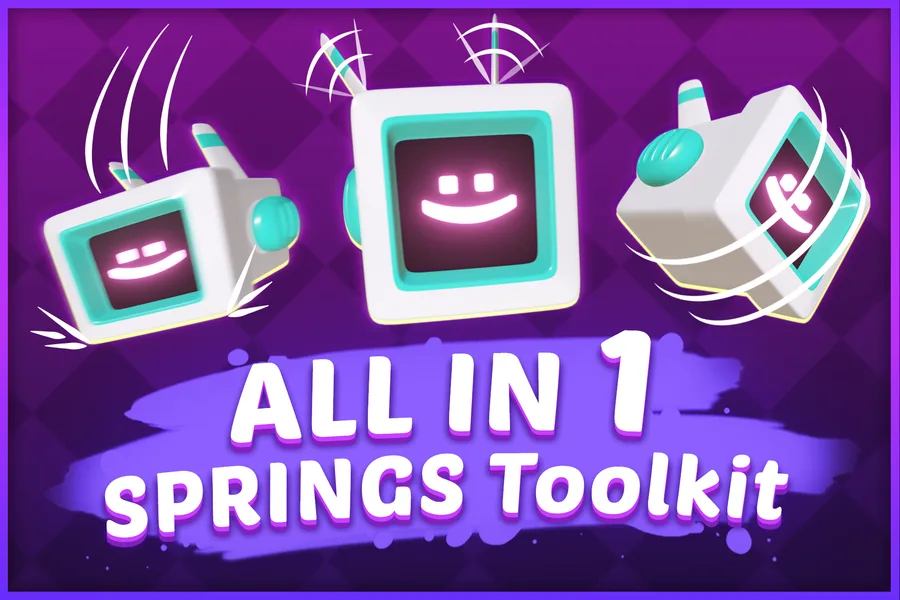
What is included
Need help?
The documentation covers every asset. If something still does not work, or an asset does not show as free, email seasidegamestudios@gmail.com or join our Discord server, and include your invoice number.